Scott
Breaking into the tech industry as a designer sounds incredibly exciting, but the initial road is often cluttered with confusing choices. Many beginners struggle to find a clear starting point, asking themselves exactly what standard education path they need to take. If you are trying to figure out how to become a ui designer, you have probably run into endless debates about graphic design degrees, human-computer interaction programs, coding bootcamps, and self-study tracks. The reality is that there is no single correct path, but choosing the right major can give you a massive head start. In this guide, we will break down standard academic paths, define the day-to-day reality of modern ui design, and look at how tools like Pixso simplify your learning journey.

Part 1. What Does a UI Designer Do?
Before committing to a multi-year degree or a costly training program, it helps to understand the day-to-day grind of the job. So, what does a ui designer do on a regular basis? Simply put, they are responsible for everything a user interacts with on a screen. This includes buttons, typography, color palettes, visual hierarchies, input forms, and interactive transitions.
While a UX researcher focuses on user behavior and information architecture, a ui designer takes those structured wireframes and turns them into highly polished, visually appealing interactive interfaces. You will spend your days collaborating with product managers, running design reviews with developers, and testing interactive prototypes to make sure everything functions smoothly on both desktop and mobile screens. Understanding these daily responsibilities makes it much easier to select a study path that matches the technical and creative demands of the current job market.
Part 2. Meet Pixso: The All-in-One Launchpad for Aspiring UI Designers
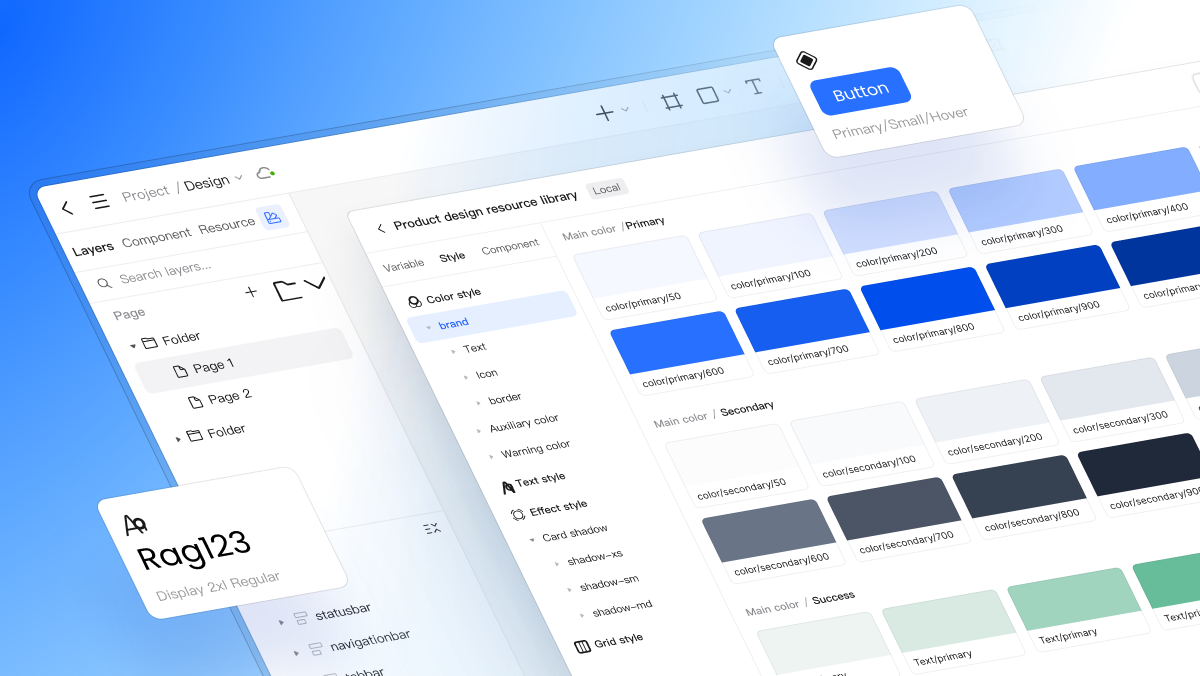
Many aspiring designers hesitate to start because standard industry tools are expensive, complex, or lack structured learning frameworks. This is where Pixso shines as a massive asset for anyone learning the ropes. Pixso is a collaborative design platform built for modern ui design, but it does something traditional design platforms completely ignore: it integrates your career planning directly with your practical learning workspace.
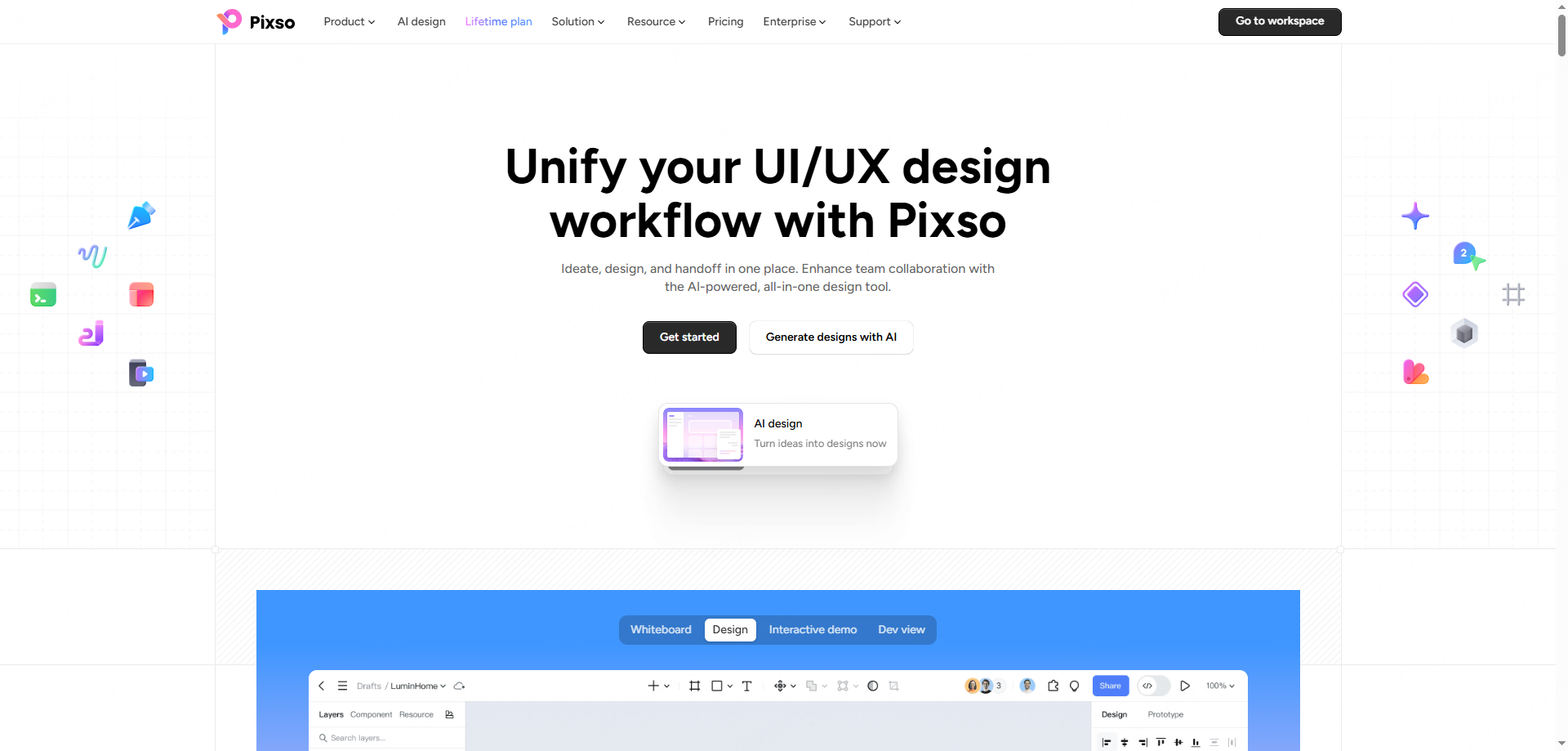
Here is how Pixso supports you as an aspiring ui designer:
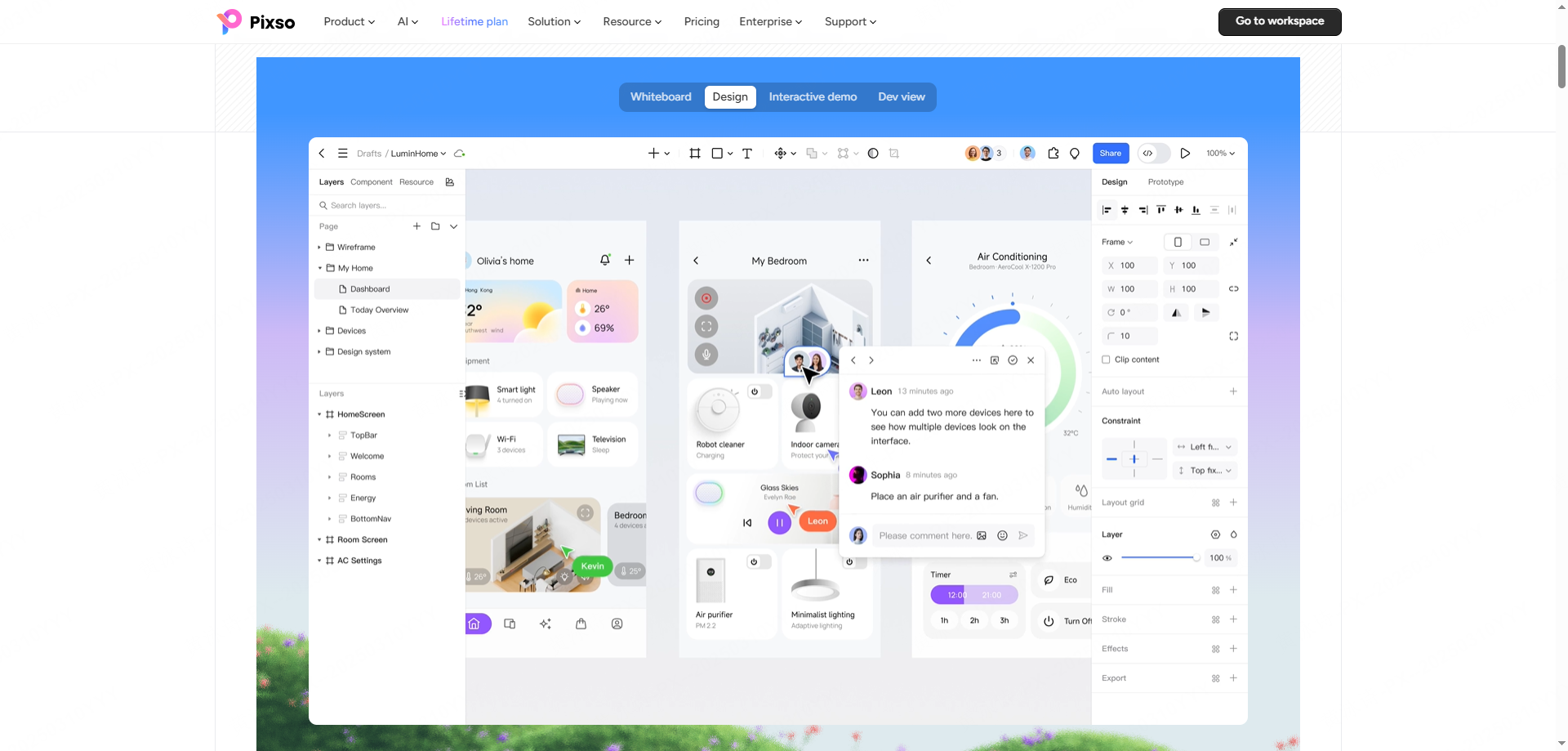
- Unified Planning and Practice Space: Unlike other tools where you plan in one app and design in another, Pixso creates a seamless loop. You can map out your study goals, jump straight into UI drafting, and build interactive prototypes on the exact same product. With built-in industry design systems, Pixso AI, and smart design assistants, you can learn layout standards and receive real-time feedback on your assignments.
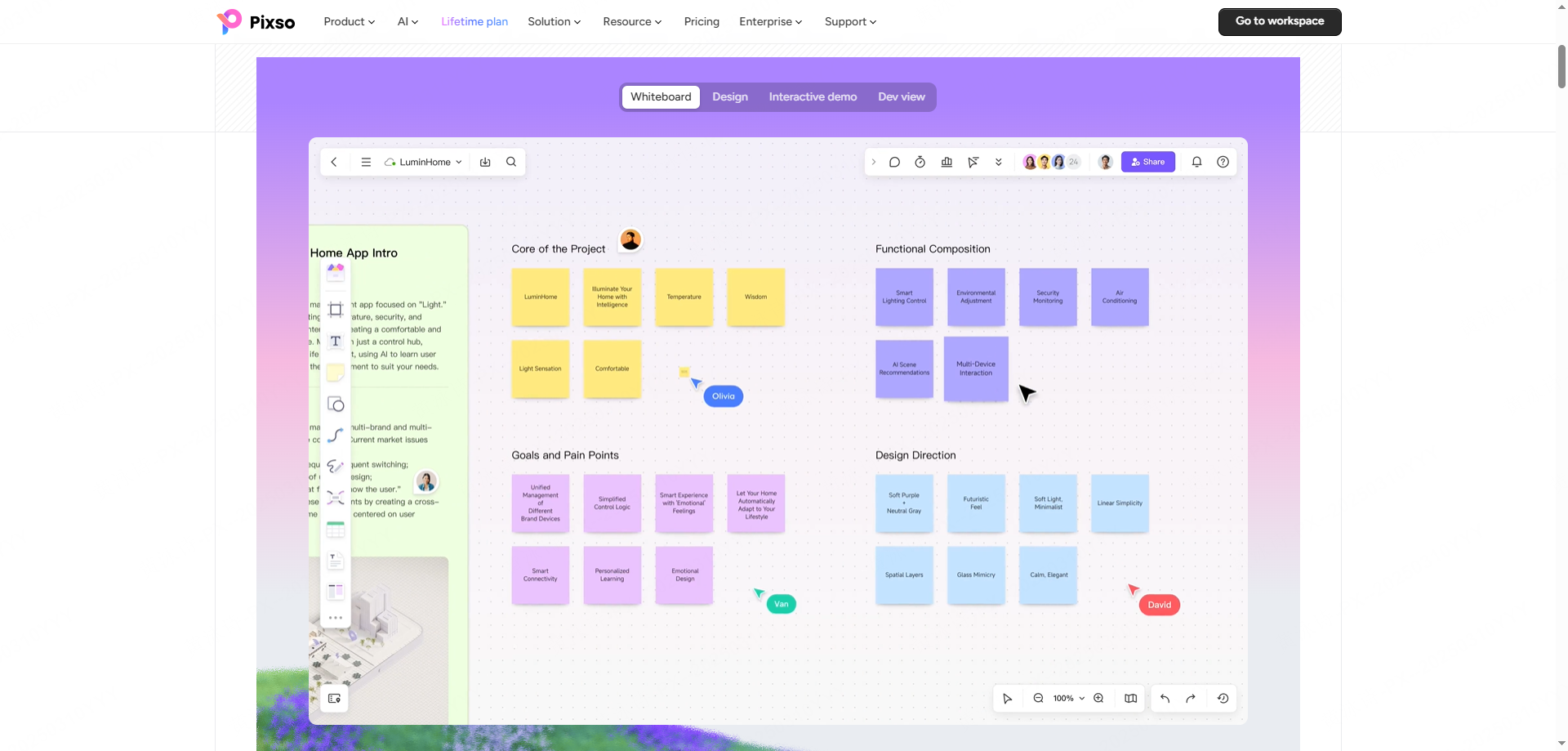
- Visual Roadmap Canvases: Pixso features custom multi-stage planning boards. If you are a university student, you can track your semester courses alongside visual portfolio deadlines. If you are a career-changer, you can map your existing non-design skills to modern tech requirements using step-by-step milestone checklists.
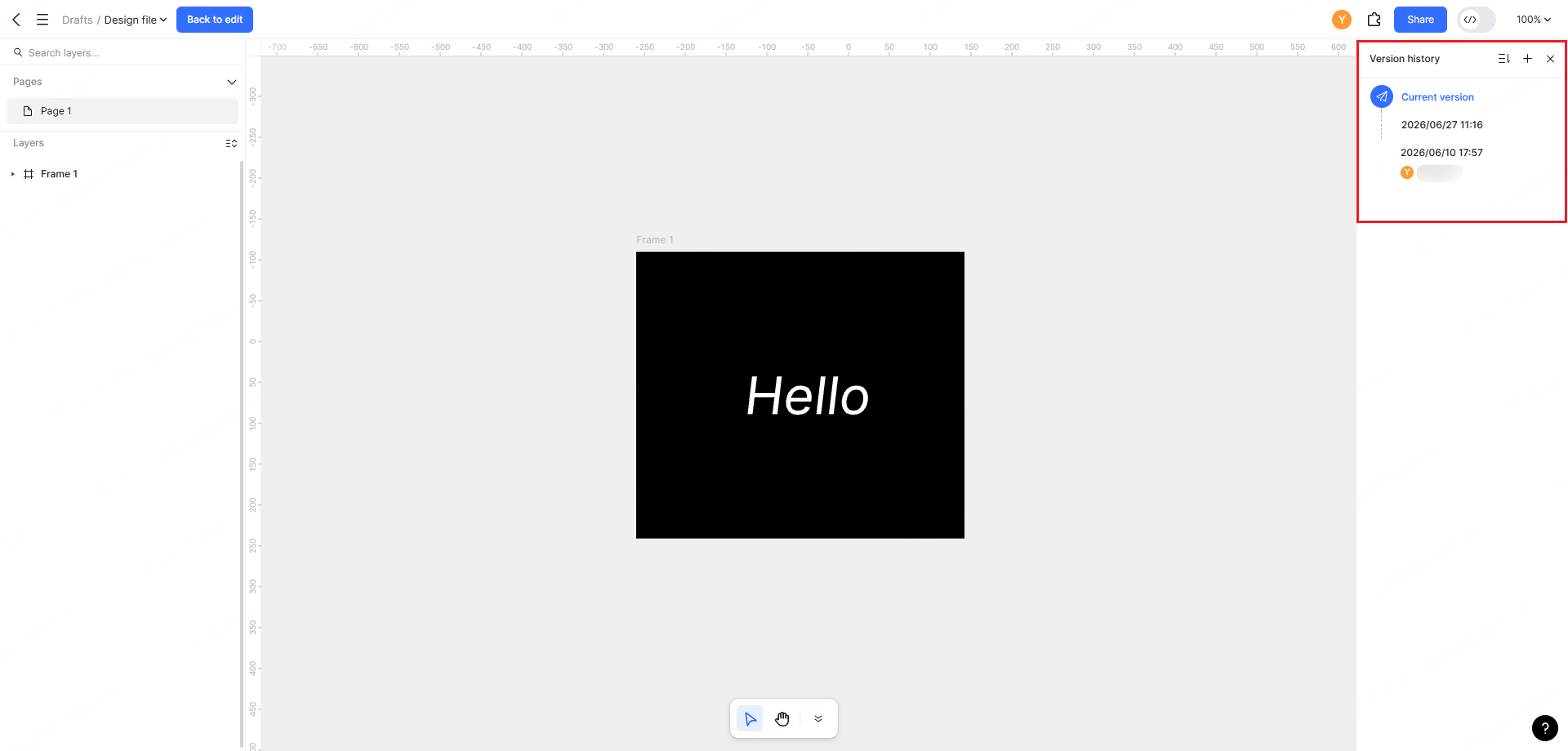
- Academic Collaboration Controls: For classroom environments, Pixso is exceptionally collaborative. It offers layered permission settings for teachers and students, clean versions for tracking historical edits, and contextual commenting. Universities can even deploy Pixso on private self-hosted clouds, keeping student design IP completely secure.
Part 3. Standardizing Your Education: Degrees, Bootcamps, and Self-Study Pathways
When deciding how to become a ui designer, you will generally face three major pathways. To help cut through the confusion, we can look at a structured comparison of these options. Pixso actually includes a standardized degree and pathway comparison whiteboard system built right into its template library. This allows you to evaluate your options visually across key metrics:
Education Pathways at a Glance
| Metric | University Degree | Coding/Design Bootcamp | Self-Guided Learning |
| Time Commitment | 2 to 4 Years | 12 to 24 Weeks | Self-Paced (6-18 Months) |
| Average Financial Cost | Moderate to High (Tuition-heavy) | Moderate (Upfront cost) | Low (Online resources/subscriptions) |
| Curriculum Structure | Broad theoretical and technical foundation | Intense, hyper-focused practical training | Unstructured; requires deep self-discipline |
| Mentorship & Networking | High access to professors and alumni | Direct industry mentors and career coaches | Limited to online forums and communities |
| Job Market Adaptability | Solid, long-term foundation for senior roles | Fast entry to junior roles; needs self-study | Requires a highly disciplined portfolio |
If you are leaning toward the university route, selecting the right design major is your next big milestone. Your choice of degree will dictate the technical skills and portfolio assets you build before stepping into the job market.
Part 4. Navigating the Top Design Majors for UI Career Success
So, which design major should you choose? While very few universities offer a degree explicitly named UI Design, several established disciplines cover the core skills of what does a ui designer do. Let's look at the most common majors and how they set you up for a professional career:
Graphic Design
Graphic design is the most traditional creative major. It provides an exceptional foundation in visual hierarchy, layout, color theory, and typography—all of which are critical to high-quality ui design. The main drawback is that classic graphic design programs often focus heavily on print media (posters, branding, packaging) rather than interactive screens. If you choose this path, you must actively supplement your classes with web layouts, mobile app wireframes, and prototyping. If your degree program doesn't focus heavily on digital products, you can use Pixso's pre-built systems to master ui design through self-directed practice.
Human-Computer Interaction (HCI)
HCI is an interdisciplinary major that sits at the intersection of computer science, cognitive psychology, and design. If you want to understand how humans interact with technology, this is the gold standard. HCI programs teach you cognitive modeling, usability testing, and interaction theory. While highly respected, some HCI degrees can lean heavily into research and programming, meaning you may need to develop your visual styling skills independently.
Interactive / Digital Media Design
This major is a fantastic modern hybrid. It covers the visual principles of graphic design while forcing you to apply them to digital formats—such as websites, games, and mobile applications. You will learn the basics of front-end development (HTML/CSS), motion graphics, and digital product workflows, making it highly aligned with the day-to-day realities of a tech-focused ui designer.
Computer Science (With a Design Focus)
For those who love the technical side of tech products, a computer science degree can be a powerful asset. While you will spend most of your time writing code, understanding how software is built gives you a unique advantage in creating designs that are easy for developers to implement. Many hiring managers love designers who can speak the language of engineering, though you will need to put in serious extra hours to master visual aesthetics and typography on your own.
How to Choose Based on Your Strengths
Choosing a design major depends entirely on where your natural interests lie. If you find yourself obsessed with colors, typography, and beautiful print layouts, Graphic Design is an excellent foundation. If you are deeply analytical, enjoy studying human psychology, and want to solve complex logical puzzles, Human-Computer Interaction (HCI) will serve you best.
If you are stuck between creative and logical tracks, Interactive Media Design provides the perfect middle ground. To help you map these personal strengths to academic curricula, Pixso's multi-stage planning canvas includes a skill-matching checklist. You can plug in your current skills, see which majors overlap with your weaknesses, and construct a highly personalized learning roadmap.
Part 5. Building Your Portfolio: Converting Classroom Assignments to Job Offers
Regardless of the design major or pathway you select, your visual portfolio is your true passport into the tech world. A hiring manager cares far more about your actual designs than the name on your diploma. To stand out as a competitive ui designer, your visual portfolio must display real problem-solving skills rather than just pretty pictures. The biggest challenge for students is translating unstructured classroom assignments into professional, client-ready case studies.
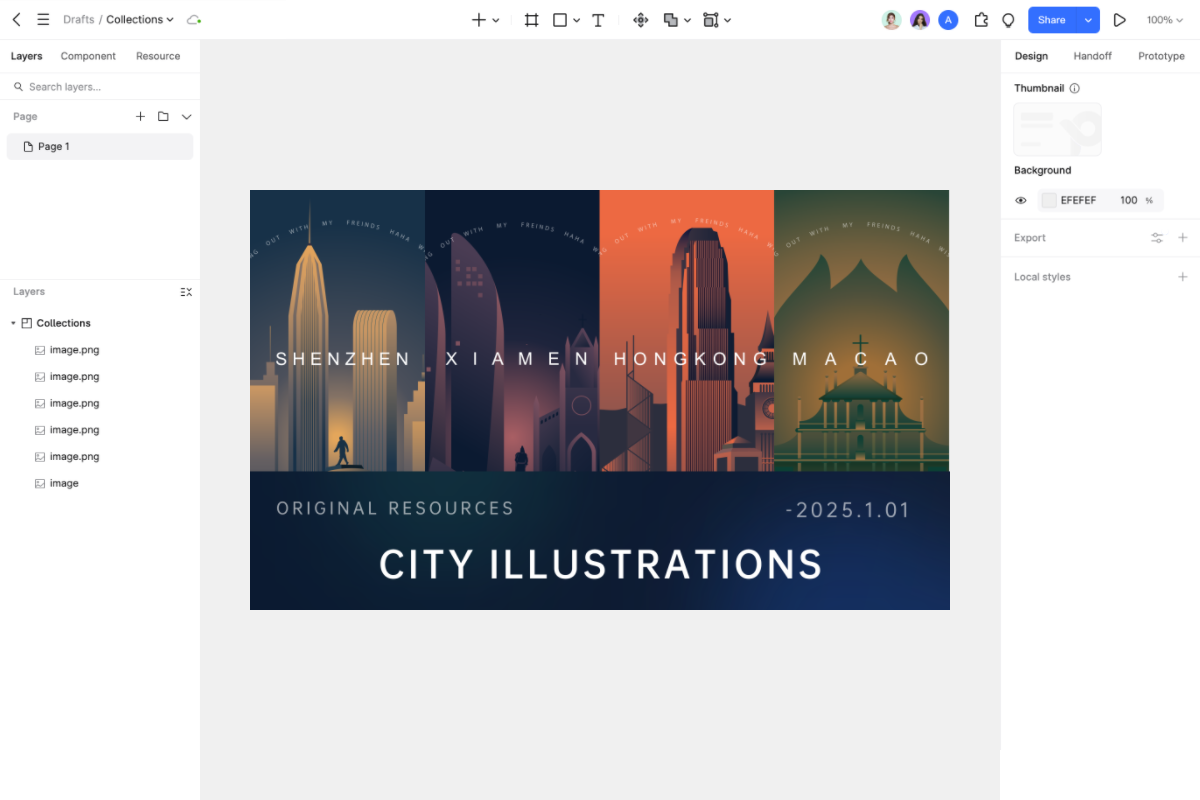
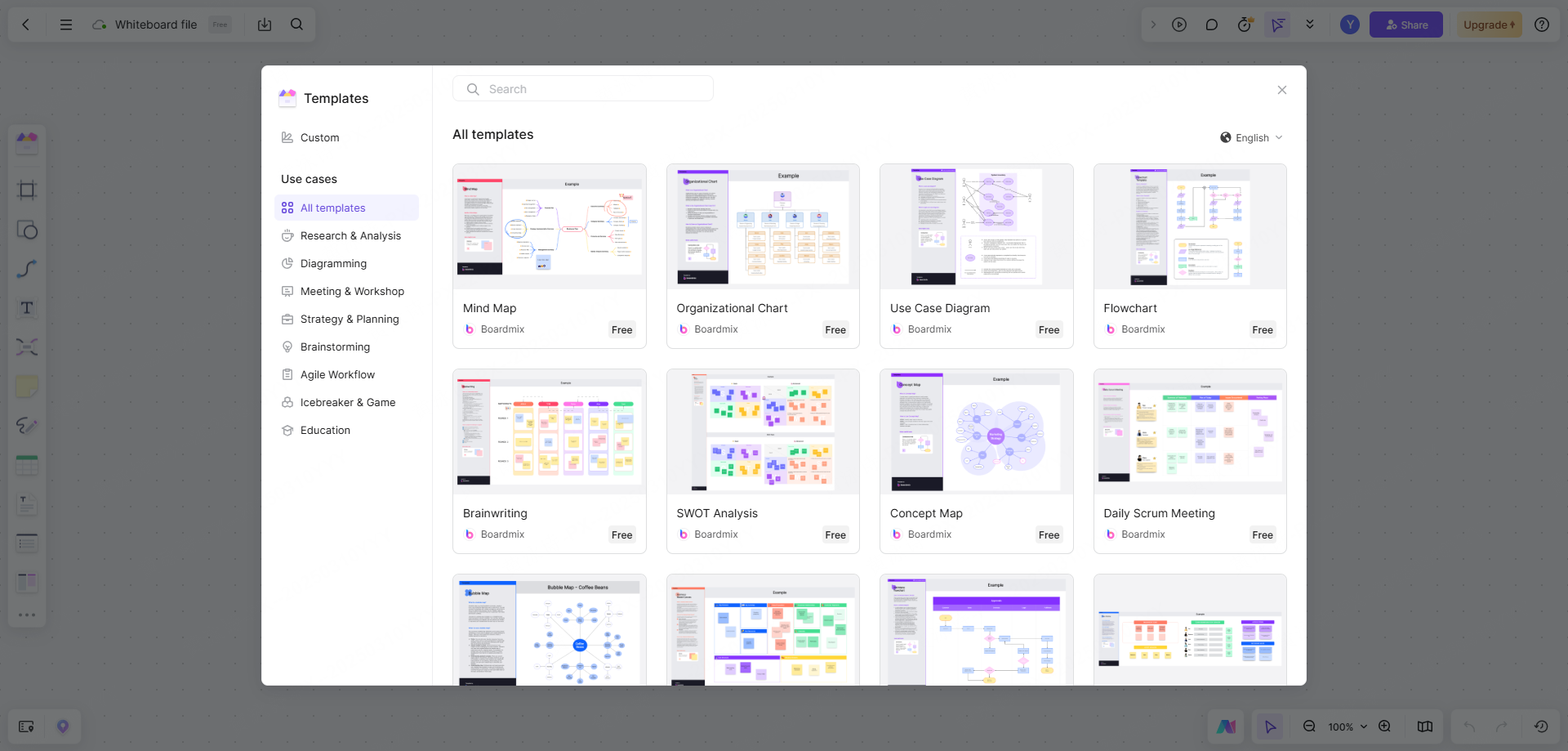
Pixso makes this transition simple with its templates. Built specifically to help students and employees organize their work, these templates guide you through writing clean case studies. Instead of just showing a beautiful final screen, you can visually document your entire process, from initial whiteboard brainstorming and user journey maps to high-fidelity wireframes and interactive prototypes. When recruiters review applications, they are looking for practical evidence of what does a ui designer do, such as component management, user flows, and interactive state changes.
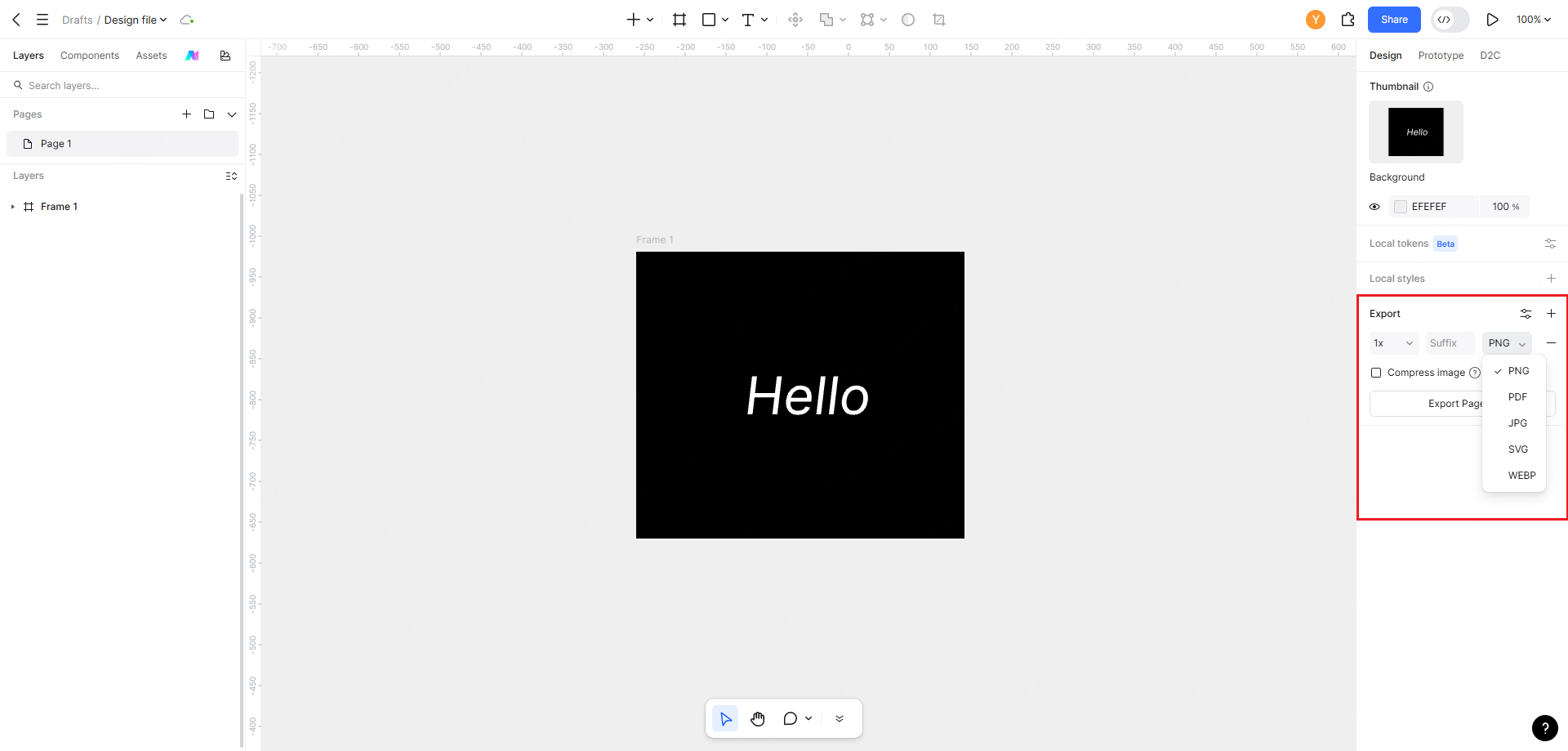
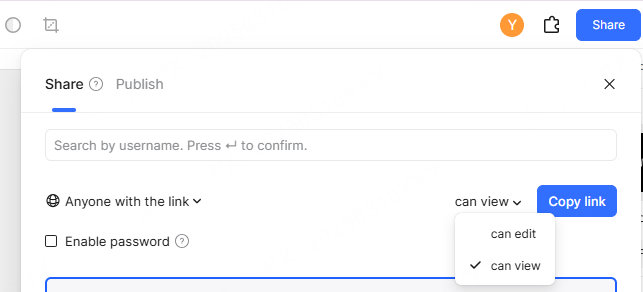
Once your project is ready, Pixso allows you to share it instantly. You can export clean, print-ready PDF files for formal applications or generate interactive live preview links. These links allow overseas recruiters and local hiring teams to click through your working prototypes directly in their browsers, demonstrating your interactive design skills in real-time.
If you are still wondering how to become a ui designer without a traditional background, focusing on a strong, structured portfolio inside an integrated tool like Pixso is the fastest way to prove your capabilities to potential employers. In the end, whether you choose to study at an elite university or teach yourself at home, the goal of any prospective ui designer remains the same: build practical, user-centered solutions.
Conclusion
Determining how to become a ui designer depends heavily on finding the right balance between visual principles, interaction theory, and actual industry tools. Whether you select a comprehensive design major or pursue self-directed study, your primary goal is to master the day-to-day realities of what does a ui designer do. Modern collaborative design platforms like Pixso take the friction out of this journey, offering built-in academic pathways, integrated canvas exercises, and career-focused portfolio frameworks. By selecting the right educational path and committing to practical, high-fidelity ui design exercises, you can easily bridge the gap between classroom theory and real-world product design success.