Scott
In April 2026, Anthropic captured the attention of the product world when it unveiled claude design, an innovative AI interface capable of generating complete visual artifacts from text prompts. Yet, for many enterprise IT administrators, this excitement quickly turns to disappointment upon discovering a major architectural barrier: claude design on premise is completely unsupported. Built as a cloud-only, closed-source SaaS, this tool cannot be run on isolated servers.
In this guide, we will evaluate the capabilities of the open design community, explore what a robust on premise alternative looks like, and introduce how Pixso delivers high-end design collaboration within secure, air-gapped enterprise environments.
Part 1: What is Claude Design and Why is On-Premise Unsupported?
At its core, the tool created by Anthropic allows users to build functional web pages, slides, dashboards, and custom interfaces simply by interacting with their AI model, claude. By typing a natural language prompt, the engine generates real-time, interactive UI cards or "artifacts" directly in your browser. Currently, this service is accessible only through the claude ai web platform, which brings several structural limitations for enterprises:
| Operational Metric | Claude Design Specifications |
| Hosting Model | Cloud-only (Exclusively hosted via claude ai) |
| Source Accessibility | Closed source (Proprietary codebase) |
| Self-Hosting Options | Completely unavailable |
| On Premise Deployment | Unsupported |
| Model Customization | Restricted to cloud API parameters |
| Cost Structure | Subscription-based (Requires paid tier) |
This lack of support is not a temporary software bug; it is a fundamental architectural limitation of how the proprietary model runs. Large language models like claude ai require massive cloud computing infrastructure, high-end graphic processing units (GPUs), and constant internet communication to fetch proprietary model weights. For security-sensitive organizations, this cloud-first design presents a massive data liability. Your design files, brand assets, and proprietary user journeys are forced to leave your internal network, which is a major compliance risk for banks, defense contractors, and state agencies. If your organizational guidelines explicitly ban external data transfers, deploying claude ai on premise is simply not an option.
Part 2: What is Open Design? — A Free Open Source Alternative
To address these exact privacy and cloud-dependency issues, the developer community launched open design. Released under the permissive Apache-2.0 license, this open source project aims to replicate the interactive artifact generation pioneered by Anthropic's browser platform, but in a completely free, local-first format.
Core Characteristics of Open Design
Designed with a "local-first" philosophy, the tool runs on your personal machine rather than a remote cloud server. Instead of forcing you to use a single proprietary model, it operates on a "Bring Your Own Key" (BYOK) model. It connects directly with the command-line interfaces (CLIs) and coding agents you already have installed, such as Claude Code, Cursor, or local Gemini setups.
- 19 Pre-configured Skills: It comes with standard capabilities for drafting web landing pages, SaaS product dashboards, mobile application mockups, and PM specification documentation out of the box.
- 71 Brand Design Tokens: You can instantly apply visual guidelines from massive modern digital brands, including Figma, Stripe, Notion, and claude.
- Highly Flexible Export Options: Once the rendering agent finishes, you can download your visual outcomes in clean HTML, PDF, or interactive PPTX files.
- 5 Curated Aesthetic Directions: You can toggle your visual guidelines between distinct curated styles like Modern Minimal, Editorial Monocle, or Tech Utility.
- 5-Dimensional Self-Critique System: The tool runs automated, multi-layered validation checks to inspect code and layout sanity, preventing broken UI elements.
Head-to-Head: Claude Design vs. Open Design
| Metric | Claude Design (Anthropic) | Open Design (Open Source) |
| License | Closed proprietary | Apache-2.0 (Completely Free) |
| Hosting Type | Cloud SaaS | Local daemon + Web interface |
| On Premise Security | Unsupported | Supported on local workstations |
| AI Processing | Exclusively Anthropic servers | Supports local CLIs and multiple APIs |
| Design Libraries | Limited to built-in presets | 71 built-in brand systems |
| Financial Cost | Paid subscription | Free of charge |
Part 3: The Limits of Open Source Design in the Enterprise Workspace
While open design is a massive step forward for individual developers and small teams seeking a local-first playground, it falls short when evaluated for enterprise-grade deployments. If you try to deploy this tool across a large, security-restricted organization, you will quickly hit several massive operational walls:
Technical Adoption Barriers
To run the software, users must be comfortable installing Node.js (version 18+), package managers like pnpm, and configuring various coding CLIs. For visual designers, product managers, and marketing teams, this heavy command-line dependency is a major obstacle that prevents quick onboarding.
No Enterprise Governance or Access Controls
The tool has no built-in system for Role-Based Access Control (RBAC), multi-tenant folder organization, file auditing, or watermark tracking. If an employee exports a highly sensitive design layout, there is no centralized audit trail to trace where that data went.
No Centralized Intranet Server
It is built strictly for individual developer workstations. It lacks the network architecture to run on a centralized, private company intranet where hundreds of staff members can access a single, shared workspace from their browsers.
Zero Collaborative Editing
The platform is designed around single-user local sessions. It lacks the real-time multiplayer canvas, visual whiteboarding space, and simultaneous co-editing capabilities that modern design departments require.
Missing Professional Support
If a system crash occurs, there is no customer support desk to call. You are completely dependent on community forum threads to troubleshoot bugs, which is an unacceptable risk for business-critical software pipelines.
In short, while open design is a fantastic sandbox for testing code-generated layouts, it does not serve as a viable corporate solution to deploy claude ai on premise.
Part 4: Why On-Premise is Crucial for Secure, Air-Gapped Environments
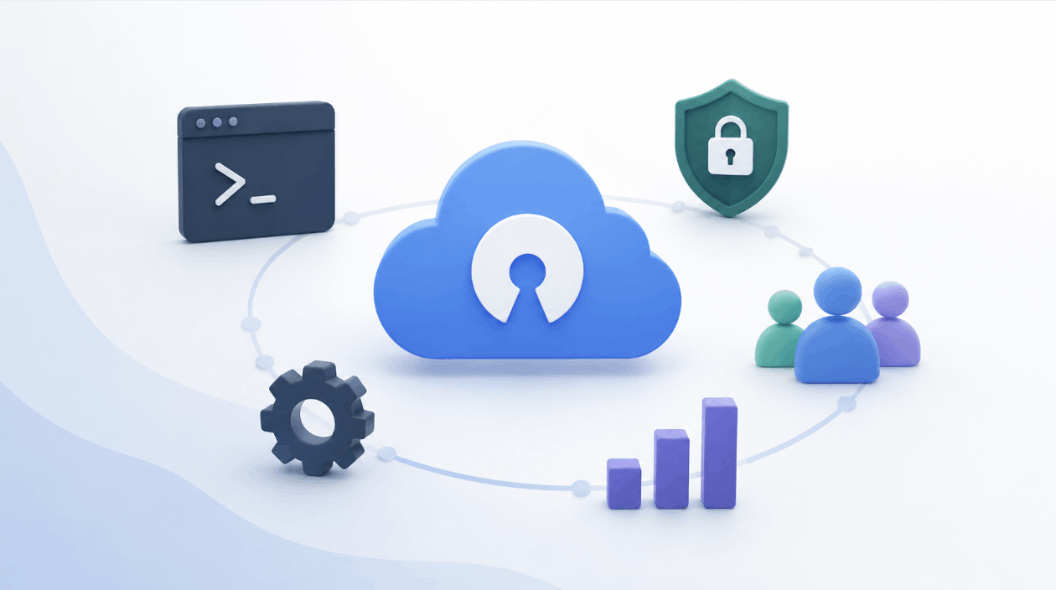
In many industries, deploying software on premise is not a preference; it is a strict legal requirement. Government agencies, national laboratories, financial institutions, and advanced manufacturing firms operate under strict "air-gapped" network guidelines (망분리).
Under these strict security frameworks, workstations are physically disconnected from the public internet. This means standard cloud tools—like Figma or the cloud-based claude ai portal—cannot be accessed at all. Because these companies are designing intellectual property, physical prototypes, and secure software interfaces, they cannot let their creative assets cross external servers.
An on premise deployment ensures that:
- Data Sovereignty is Maintained: Every design draft, code snippet, and user journey remains inside the company's physically locked server room.
- Zero Leakage to AI Models: Cloud-based design assistants often train their models on user files. Local setups ensure your corporate designs are never scraped to train public datasets.
- Regulatory Compliance: Organizations can fully comply with local data protection acts, national defense standards, and financial information security protocols.
Part 5: Pixso On-Premise — Bridging the Gap for Secured Collaboration
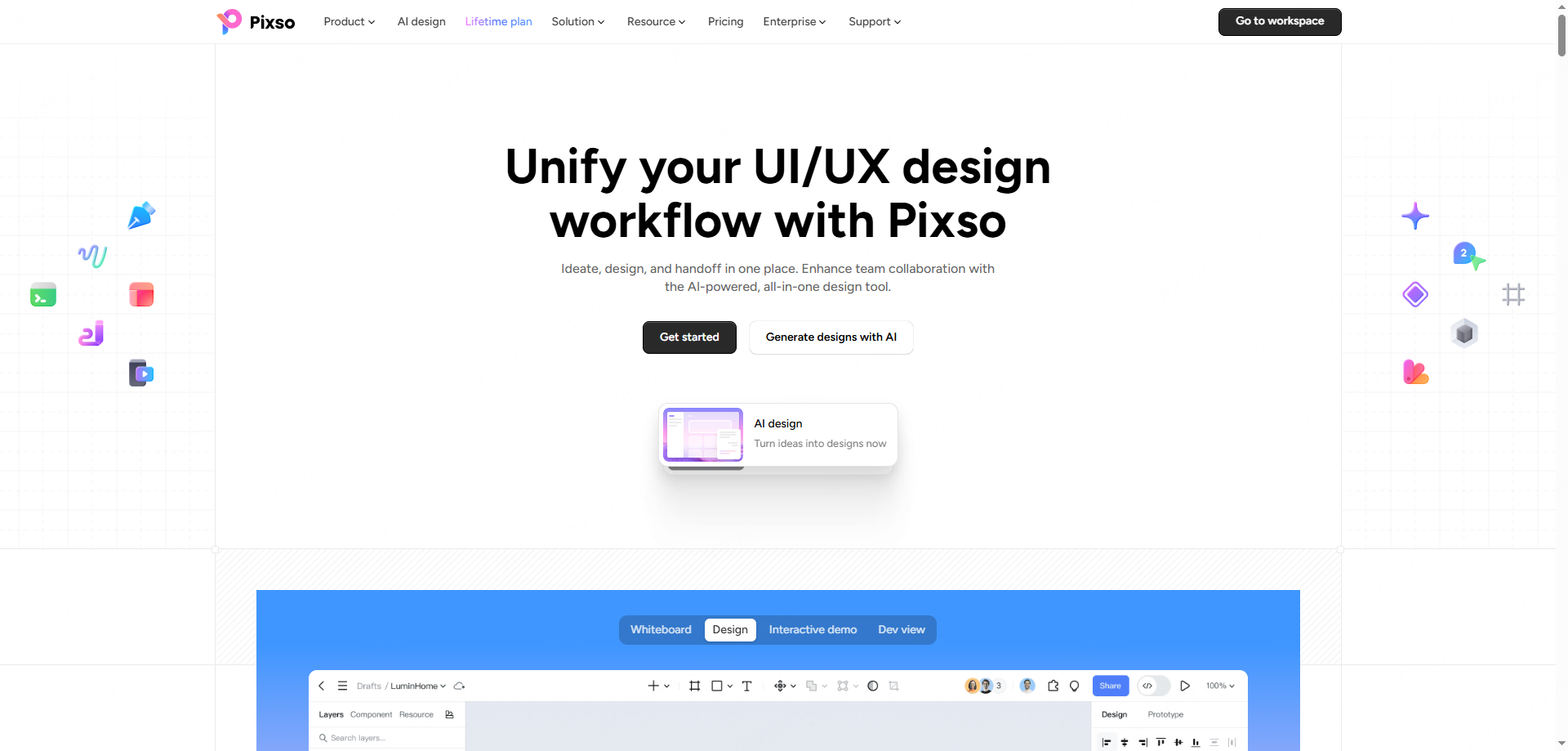
Pixso is a high-performance UI/UX design collaboration platform that offers complete Figma file compatibility alongside enterprise-grade private deployment options. It fills the gap for companies that want Figma-level collaborative power but cannot utilize public cloud services. Pixso handles the exact on premise requirements that cloud-only tools ignore, and provides the collaborative structure that open source tools lack.
Feature Matrix: Cloud-First AI vs. Open Source vs. Pixso On-Premise
| Security & Collaboration Metrics | Claude Design | Open Design | Pixso On-Premise |
| Intranet Air-Gapped Deployment | ❌ | Local Only | ✅ |
| Real-Time Team Collaboration | ✅ | ❌ | ✅ |
| Role-Based Access Control (RBAC) | ❌ | ❌ | ✅ |
| Security Auditing & Audit Logs | ❌ | ❌ | ✅ |
| Centralized Resource Libraries | ❌ | ❌ | ✅ |
| Private Internal Plugin Market | ❌ | ❌ | ✅ (70+ Plugins) |
| SLA Corporate Tech Support | ❌ | ❌ | ✅ |
| Figma/Sketch File Compatibility | ❌ | ❌ | ✅ |
| Deployment Costs | Cloud Subscription | Free | Enterprise Consultation |
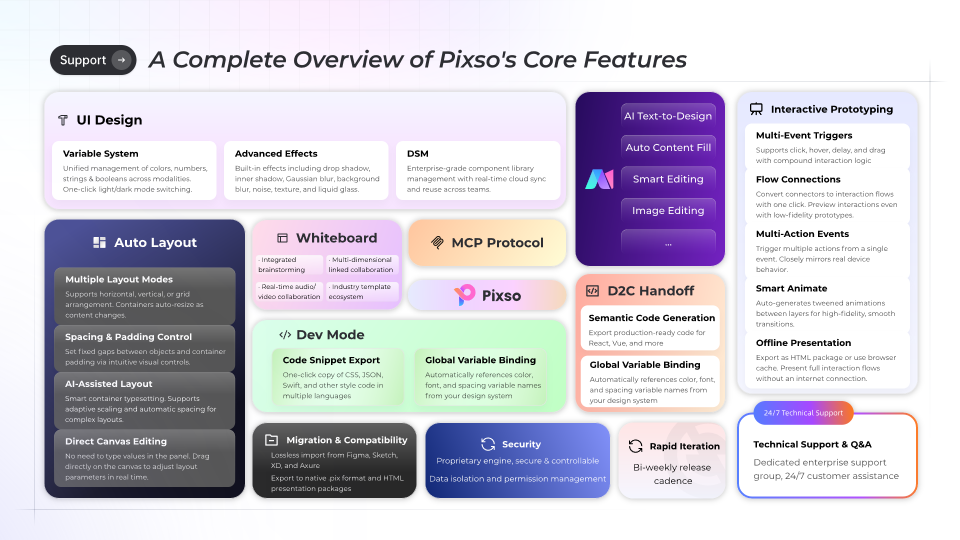
Pixso On-Premise Core Features
1. Complete Isolated Intranet Deployment
Pixso supports multiple isolated hosting configurations, including completely offline intranets, private enterprise clouds, and hybrid nodes. All assets, design logs, and operational databases remain within your infrastructure, giving you absolute control over your design files.
2. Advanced Enterprise Governance
Keep your administrative teams in control with robust tracking tools:
- Role-Based Access Control (RBAC): Manage editing, viewing, and folder management permissions on a granular user level.
- Audit Logging: Track file creation, modifications, exports, and sharing paths to trace internal data movements.
- Asset Traceability: Implement dynamic watermarks and security tracking markers across design screens.
- Unified Member Groups: Sync Pixso with your internal LDAP or SSO directories to streamline employee onboarding and offboarding.
3. Centralized Asset Management
Speed up your team's visual workflows with built-in asset managers:
- Enterprise Resource Libraries: Centrally manage components, color styles, and typography tokens across different project workspaces.
- Central Font Hub: Upload corporate brand fonts once and make them immediately available to all team members, preventing licensing issues.
- Internal Plugin Marketplace: Restrict and distribute verified design plugins internally (includes over 70 pre-approved plugins).
- Private Community Spaces: Share internal templates, UI kits, and design guidelines safely inside your corporate network.
4. High-Fidelity UI Prototyping
You do not have to sacrifice design power to stay secure. Pixso provides standard-compliant prototyping tools:
- Variables-Driven Components: Build highly complex interactive UI states using boolean, color, and numeric variables.
- Conditional Logic Interactions: Create logical user flows (e.g., if-then actions) directly inside your prototype frames.
- State-Based Animations: Apply hover, press, and focus states to simulate realistic web and mobile behaviors.
- Production-Ready Code Handoff: Pixso automatically generates standard-compliant CSS, React, and Vue codes directly from your vectors.
5. Hands-on Customer Success Support
You do not have to handle server deployment alone. From pre-installation mapping to local server configuration and historical file migration, Pixso's dedicated Customer Success (CS) managers will guide your technical teams through every step of the deployment.
FAQ
Q1. Is Anthropic planning to release an on premise version of Claude Design?
Currently, Anthropic has not made any official announcements or shared any roadmaps regarding an on premise version of claude design. Because the tool's underlying architecture depends heavily on cloud-hosted LLM clusters, running it on isolated local servers is structurally unsupported. Teams requiring a secure, intranet-compatible design workflow must seek third-party alternative platforms.
Q2. Can I run Open Design inside a secure corporate intranet?
No. Open design is engineered strictly as a local-first application for individual developer machines. It does not natively support centralized server hosting where hundreds of corporate employees can log into a single web portal, collaborate in real-time, or manage team folders. It also lacks essential corporate governance tools like role-based access controls and audit logs.
Q3. Can we migrate our existing Figma files into Pixso On-Premise?
Yes. Pixso is fully compatible with standard Figma and Sketch file formats. You can import your existing design libraries, components, and variables into your private Pixso server without losing layer details. For large-scale corporate migrations, Pixso's CS managers will coordinate with your IT department to automate the transition smoothly.
Conclusion
A local-first open source project like open design is a great way for individual creators to experiment with AI-generated layouts, but it lacks the administrative control, multiplayer canvas, and central server architecture required by enterprise teams. If your company operates within isolated networks, air-gapped environments, or strict regulatory frameworks, you need a mature, enterprise-ready platform. With its complete offline intranet hosting, Figma file compatibility, advanced security governance, and dedicated CS support, Pixso On-Premise is the most practical and secure choice for enterprise UI/UX collaboration.